
CNIC SIM Check Online in Pakistan – Complete Guide
The CNIC SIM Check Online process helps users review the number of mobile SIMs registered against their own CNIC in Pakistan. Checking this information can help you keep track of your registered connections and identify an unexpected SIM count. A CNIC-based SIM check is particularly helpful in situations where you have had multiple mobile connections over time or if you suspect that your information is not accurate on record. You can find out more about the information on file by using an authorized SIM verification service and then take your concerns to the relevant mobile network.
This article will walk you through the process of checking SIMs registered on your CNIC, explain the results, and show you how to deal with any unauthorized registrations as well as how to protect yourself in the future. You can use the SIM Information System Pakistan to review SIM registration information associated with your own CNIC.
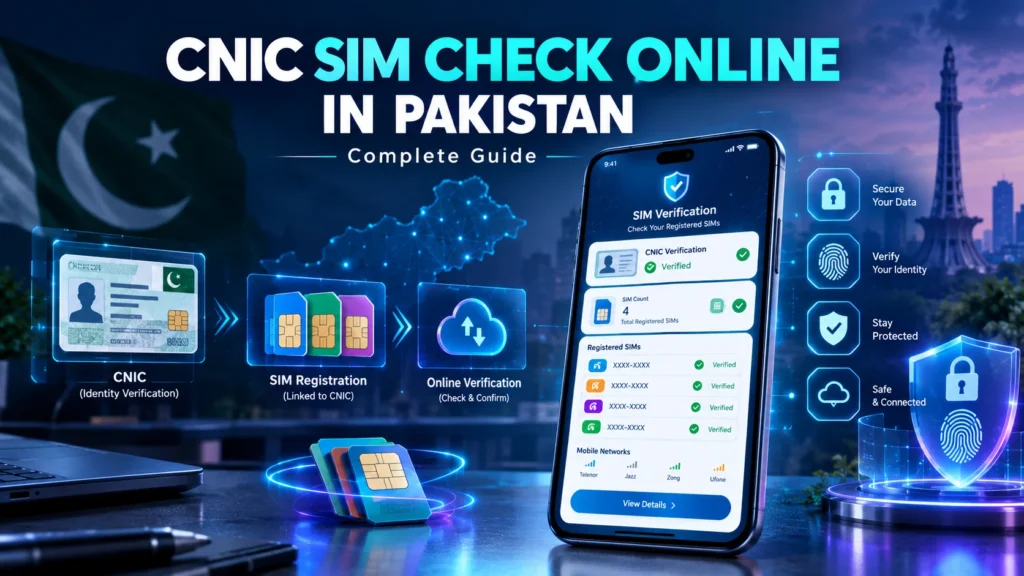
What Is a CNIC SIM Check?
A CNIC SIM check allows you to review SIM registration information associated with your own identification document. The purpose of this process is to help you understand how many mobile connections are registered against your CNIC. Depending on the available verification service, the results can provide network-wise SIM counts and an overall total. The process is intended for checking your own SIM registration information. It should not be used to obtain another person’s private subscriber information.
How to Check SIMs Registered on Your CNIC
You can follow these general steps to review SIM registrations associated with your CNIC.
Step 1: Use an Authorized SIM Verification Service
Open the appropriate official or authorized SIM information service. Avoid websites that claim to provide private SIM-owner databases or personal information about other individuals.
Step 2: Enter Your CNIC Information
- Enter your CNIC information in the required section.
- Be careful to provide the correct number in the desired format.
Step 3: Complete the Verification
Take any action that the verification service asks you for and complete your request.
Step 4: Review the Result
After the request is processed, review the available SIM registration information. The result may show the number of registered SIMs according to mobile network and provide a total count.
Step 5: Compare the Information
Compare the displayed number of connections with the SIMs you currently use or have previously registered. If the result shows more connections than expected, investigate the issue through the relevant mobile operator.
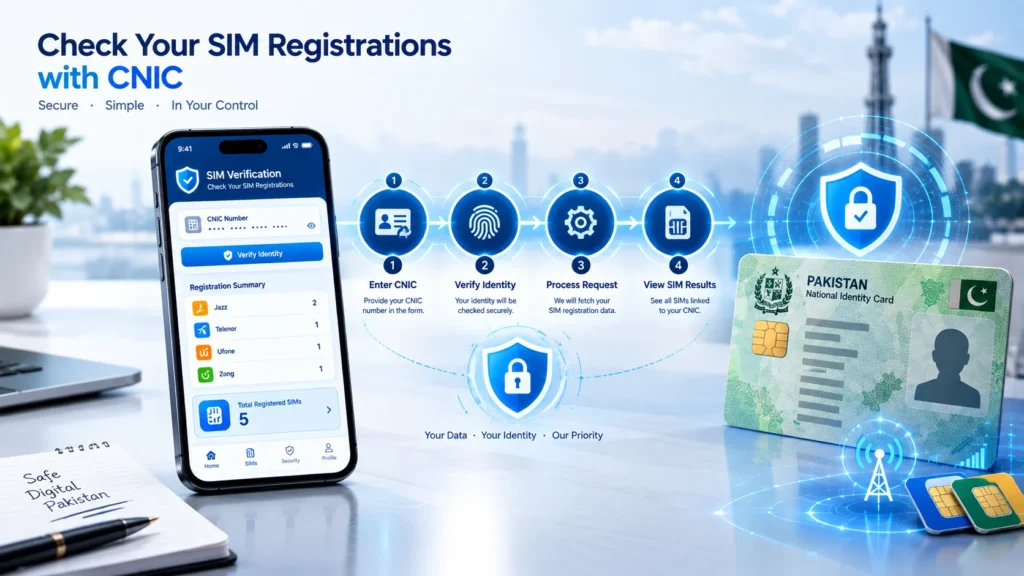
What Does a CNIC SIM Check Show?
A CNIC SIM check primarily helps you review registration information connected to your own identification.
Depending on the available system, you may see:
- Mobile network information
- Number of registered SIMs
- Total SIM count
- Registration-related information
The information available can vary according to the service being used. A SIM registration check should not be confused with a public database containing private information about individual subscribers. You can also learn more about how the SIM Information System Pakistan works in our detailed guide.
Why Should You Check SIMs Registered on Your CNIC?
Checking your registered SIMs will allow you to be aware of the connections linked to your identity.
Identify Unexpected Registrations
An unexpected SIM count can indicate that an old or unfamiliar connection may still be associated with your CNIC.
Review Old Connections
People sometimes forget about SIMs they previously used. A registration check can help you review your overall connection history.
Protect Your Personal Information
Being aware of these things can help someone become more aware of the registration information that does not pertain to the information you have.
Take Action When Necessary
If you identify an unfamiliar registration, contact the relevant mobile operator and ask about the official procedure for verification or blocking.
How Many SIMs Are Registered on My CNIC?
The correct number of SIMs registered on your CNIC can only be revealed through querying the current record of the information registered against your identification. Do not refer to past screenshots, social-media posts or any other information shared on unrelated sites or services. Rather, use an official SIM information service and check the current data. If the displayed number seems incorrect, contact the relevant mobile network for further clarification.
What If You Find an Unknown SIM on Your CNIC?
Finding an unfamiliar SIM count does not automatically prove that someone has committed fraud. There can be several reasons for a difference between your expected and displayed SIM count.
For example:
- You may have forgotten an older connection.
- An old SIM may still require deactivation or registration updates.
- The displayed information may require verification.
- You may have previously registered a connection that you no longer use.
The best approach is to investigate the issue through the relevant mobile operator.
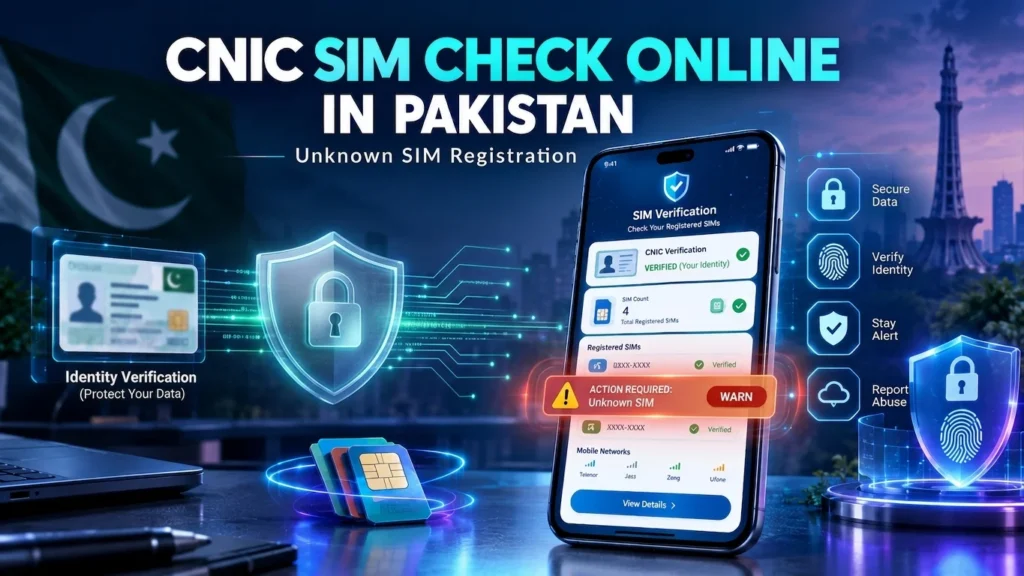
Recommended steps:
- Check your own records.
- Determine the relevant mobile network.
- Contact the network operator.
- Explain the unexpected registration.
- Follow the operator’s verification procedure.
- Request blocking or further action when appropriate.
Do not try to obtain another person’s private information through unofficial databases.
Can I Check SIM Information by CNIC Online?
Yes, CNIC-based SIM registration checking can be performed through authorized SIM information services. The exact process depends on the service currently available. Some verification methods may use online forms, while others may use telecom-based verification channels. Always follow the latest instructions from recognized telecom sources. For more information about the verification process, read our complete PTA SIM Verification guide.
CNIC SIM Check vs SIM Owner Details
These two terms should not be treated as identical.
CNIC SIM Check
A CNIC SIM check focuses on reviewing SIM registration information associated with your own identification.
SIM Owner Details
The phrase “SIM owner details” can refer to personal subscriber information. Such information should not be treated as publicly searchable. For privacy and security reasons, your SIM verification activities should focus on your own registration information.
CNIC SIM Check and Mobile Networks
SIM registration information can involve different mobile networks operating in Pakistan. When you review your registration information, the result may organize SIM counts by network. This can help you understand whether your registered connections are distributed across different operators. For example, you may discover that your registered connections include SIMs from more than one network. If you no longer use a particular connection, contact that network to ask about the appropriate deactivation or blocking procedure.
What If the CNIC SIM Check Is Not Working?
Sometimes users may experience technical or verification problems.
Possible reasons include:
- Incorrect CNIC information
- Incorrect input format
- Temporary service problems
- Network connectivity issues
- Verification delays
- Changes to the available verification process
Try the following:
- Recheck the information you entered.
- Follow the required format.
- Check your internet or mobile connection.
- Wait before trying again.
- Use an authorized verification channel.
- Contact the relevant operator if the problem continues.
Avoid repeatedly submitting personal information to unknown websites.
How to Protect Your CNIC During SIM Verification
Your CNIC is sensitive personal information, so use caution when checking SIM registrations.
Use Trusted Services
Only use recognized telecom or official verification channels.
Avoid Unofficial Databases
Do not provide your CNIC to websites that claim they can reveal another person’s private SIM details.
Do Not Share CNIC Publicly
Avoid posting your CNIC number on social media, public forums or unsecured websites.
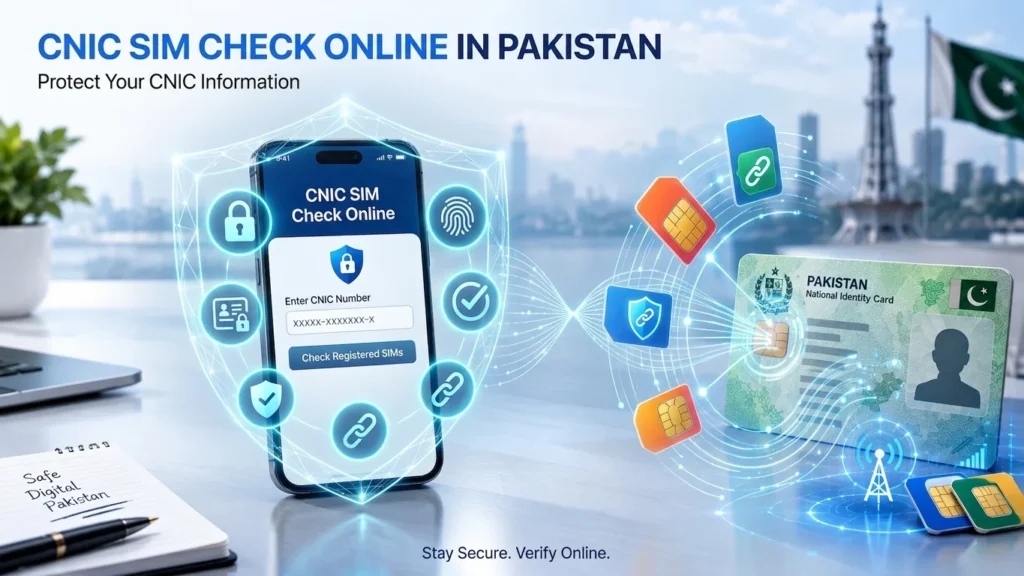
Be Careful With Suspicious Messages
Fraudsters may use SMS, calls or fake websites to collect personal information.
Contact Your Network
If you notice an unfamiliar registration, contact the relevant mobile operator rather than trying to investigate another subscriber yourself.
Is CNIC SIM Checking Safe?
Checking your own SIM registration information through an authorized service is a normal way to review your registered connections. The main security concern is where you enter your personal information.
Before submitting your CNIC:
- Check the service you are using.
- Avoid suspicious websites.
- Do not share verification codes with strangers.
- Do not provide unnecessary personal information.
- Use recognized telecom channels whenever possible.
When Should You Check Your SIM Registration?
You do not need to check your SIM registration every day.
However, a periodic review can be useful, especially when:
- You have purchased a new SIM.
- You stopped using an old SIM.
- You replaced a SIM.
- You changed mobile networks.
- You suspect an unfamiliar registration.
- You want to review the connections associated with your CNIC.
Keeping your mobile registration information organized can make it easier to notice unexpected changes.
CNIC SIM Check: Common Mistakes to Avoid
When checking your SIM registration, avoid these common mistakes:
Using an Incorrect CNIC
Double-check the information before submitting your request.
Using Unofficial Websites
Avoid services that promise access to private subscriber databases.
Sharing Verification Codes
Never share OTPs or verification codes with unknown individuals.
Assuming Every Unexpected Count Means Fraud
Investigate the registration before reaching a conclusion.
Ignoring Old SIMs
Previous connections can sometimes explain why your registered SIM count is different from what you currently use.
Final Thoughts
The CNIC SIM Check process can help users review SIM registrations associated with their own CNIC in Pakistan. It provides a useful way to understand your registered connections and notice information that may require further investigation. If your result shows an unfamiliar SIM registration, contact the relevant mobile operator and follow its official verification or blocking procedure. Most importantly, protect your CNIC information and avoid unofficial services that claim to provide private subscriber details. A safe SIM verification process should help you manage your own registration information without exposing someone else’s privacy.
FAQs
How can I check SIMs registered on my CNIC?
Use an authorized SIM information or verification service and follow its current instructions to review your registered SIM count.
Can I check my SIM registration online?
Yes. Authorized SIM information services can provide ways to review SIM registrations associated with your own CNIC.
What if I find an unknown SIM on my CNIC?
Contact the relevant mobile operator and follow its official procedure for investigating or blocking the unfamiliar registration.
Does CNIC SIM Check show a person’s private details?
A CNIC SIM check is intended to review your own registration information. It should not be used to obtain another person’s private subscriber details.
Why is my CNIC SIM Check not working?
Incorrect information, technical problems, connectivity issues or changes to the verification service can cause problems.
Should I share my CNIC with an unknown website?
No. Use trusted and recognized verification channels and avoid websites that request unnecessary personal information.