
PTA SIM Verification – Complete Online Guide
A PTA SIM Verification facilitates the verification of the PTA SIM cards registered against the user’s CNIC in Pakistan. Using the official PTA SIM Information System, you can view the online SIM details and find out how many total SIMs are registered and how many are on a network.
In cases where you need to verify that the SIMs registered under your account are correct, your mobile phone security should check your SIMs regularly. The PTA telecom guidance also recommends checking the number of issued SIMs against the user at regular intervals.
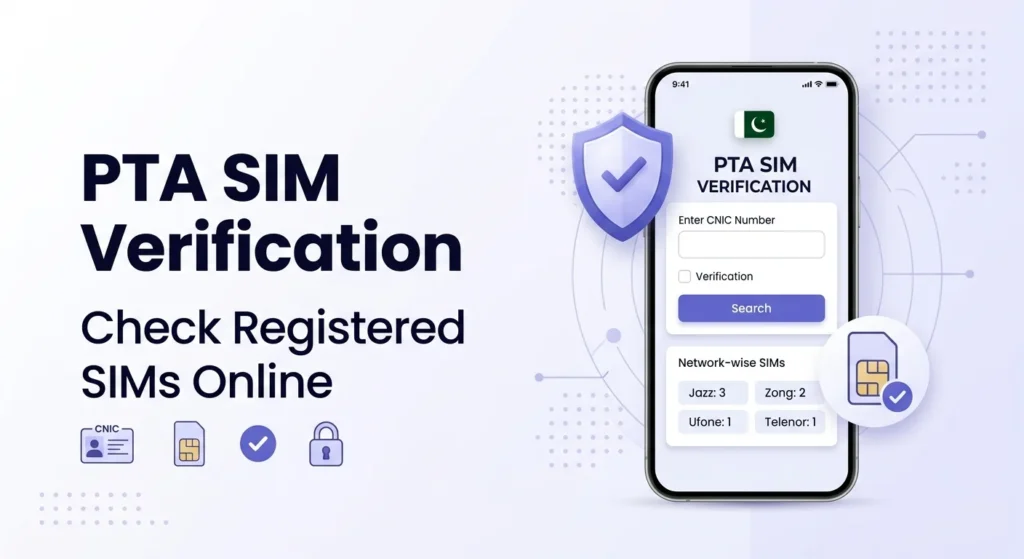
What Is PTA SIM Verification?
PTA SIM Verification is the process of checking mobile SIM registrations associated with your CNIC. The official SIM Information System allows users to enter their CNIC and view the total number of registered SIMs.
The system can show the number of SIMs associated with different mobile networks. It is designed to help users monitor their own SIM registration information rather than obtain another person’s private details.
How to Check PTA SIMs Online
You can check your registered SIM count online in a few simple steps.
Step 1: Open the PTA SIM Information System
Visit the official PTA SIM Information System website.
Step 2: Enter Your CNIC
Select the CNIC option and enter your 13-digit CNIC number in the required field.
Do not add unnecessary spaces or dashes.
Step 3: Complete Verification
Enter the verification information shown on the website and submit the request.
Step 4: View Your SIM Information
The system will display the number of SIMs registered against your CNIC. The results can include a network-wise breakdown of registered SIMs.
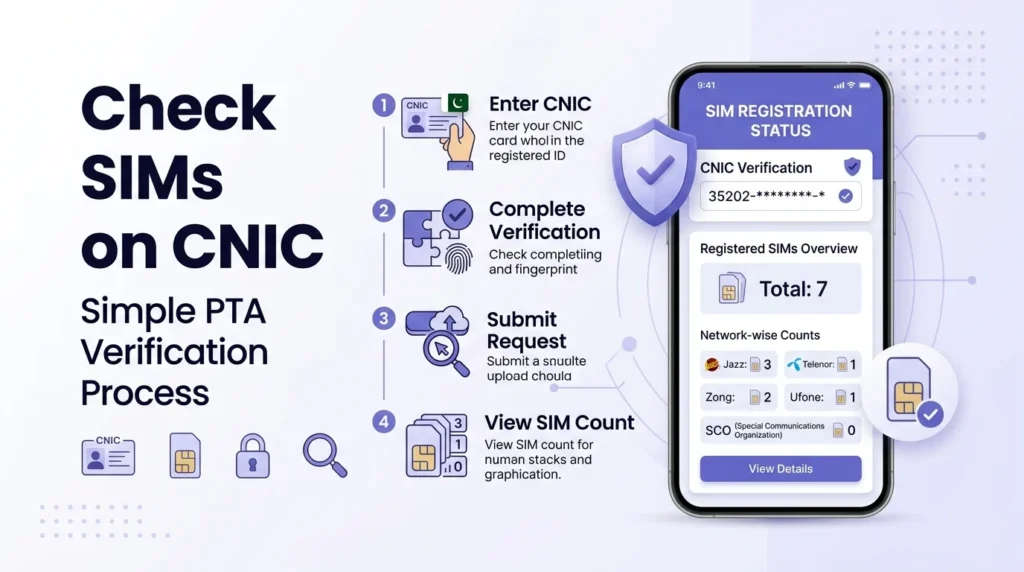
Official PTA SIM Information System: Check SIMs Online
What Information Does PTA SIM Verification Show?
The PTA SIM Information System can show the number of SIMs registered against your CNIC and provide a network-wise count.
The current system displays network categories such as Jazz, Telenor, Ufone and Zong, along with the total number of registered SIMs.
This means the service is mainly useful for checking how many SIMs are registered, rather than providing a public database of private subscriber information.
Can You Check SIMs Through 668?
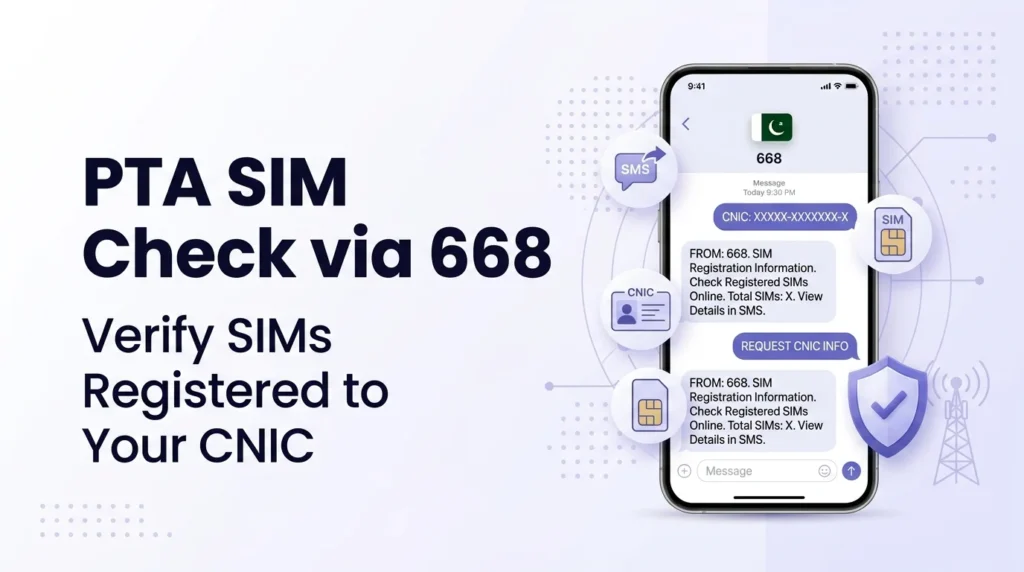
Yes. PTA’s NTCERT guidance advises users to periodically check the number of SIMs issued in their name by sending their CNIC number to 668.
To use the SMS method:
- Open the SMS application on your phone.
- Enter your 13-digit CNIC number.
- Send it to 668.
- Wait for the response with your SIM registration information.
SMS charges may apply according to the applicable service charges.
Why Should You Check SIMs Registered on Your CNIC?
Your CNIC is connected with your identity, so it is important to know which mobile connections are registered under your name.
Regular SIM verification can help you:
- Check your total registered SIMs
- Identify registrations you do not recognize
- Keep track of your CNIC-linked mobile connections
- Take action if an unauthorized SIM appears
- Reduce the risk associated with illegally issued SIMs
PTA’s cybersecurity guidance specifically recommends periodically checking SIMs issued in your name and blocking illegally issued SIMs.
What If You Find an Unknown SIM?
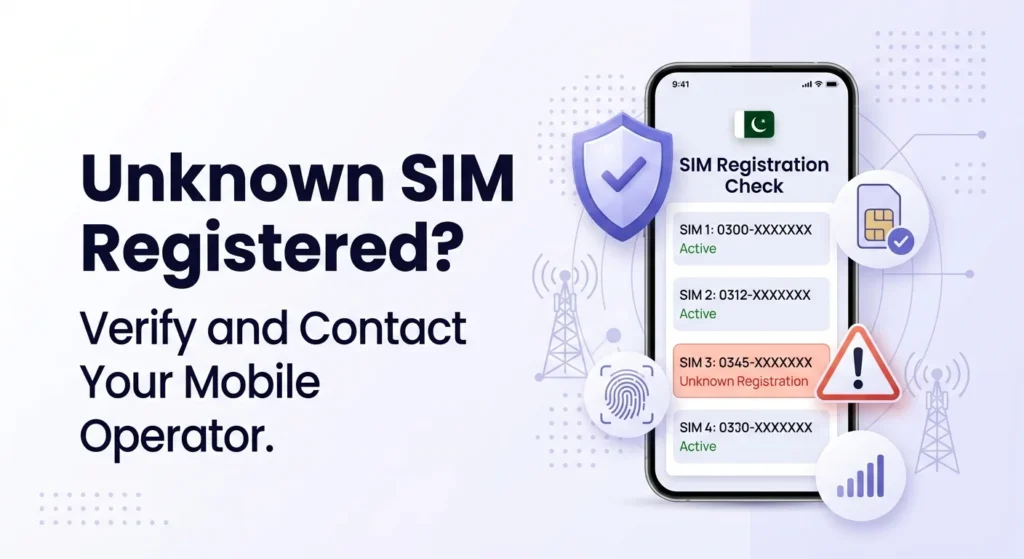
If your PTA SIM verification results show a SIM registration that you do not recognize, contact the relevant mobile operator and ask them to investigate the registration. PTA’s NTCERT guidance warns about illegal SIM issuance and advises consumers to purchase SIMs through cellular franchises rather than informal kiosks. It also recommends checking the number of SIMs issued in your name and blocking illegally issued connections. If the issue is not resolved through the operator, you can use PTA’s Complaint Management System to register and track a telecom-related complaint. PTA’s CMS provides consumers with a platform for submitting and tracking complaints.
PTA SIM Verification vs SIM Owner Details
It is important to understand the difference between SIM verification and SIM owner lookup. PTA SIM Verification helps you check SIM registrations associated with your own CNIC. It should not be treated as a public service for obtaining another person’s private subscriber information. Avoid websites or individuals that claim they can provide complete private information about SIM owners. Your CNIC and mobile information should always be handled carefully.
How to Keep Your SIM Registration Safe
Follow these simple precautions when purchasing or using a SIM:
- Buy SIMs through authorized cellular operator channels.
- Do not provide your biometric information to unknown individuals.
- Check the SIMs registered against your CNIC periodically.
- Report unfamiliar SIM registrations to the relevant operator.
- Do not share your CNIC information unnecessarily.
- Avoid unofficial websites offering private SIM owner information.
PTA’s NTCERT awareness material also encourages users to be careful when providing fingerprints for new SIM registration.
PTA SIM Verification Online – Quick Comparison
| Method | Requirement | Main Purpose |
| PTA Online System | CNIC + Internet | Check registered SIM count |
| 668 SMS | CNIC + Mobile Phone | Check SIM registrations through SMS |
| Mobile Operator | Customer verification | Resolve or investigate SIM issues |
Final Thoughts
The PTA SIM Verification service allows cellular users to conveniently keep track of their SIM cards provisioned against their CNIC. You can check your registration information from the PTA’s Online SIM Information System or via a 668 SMS. It is important to periodically check which SIM cards are registered to you and report any unauthorized connection attempts to the respective cellular provider as soon as possible, instead of waiting for them to notice the issue. Therefore, when using the PTA’s verification service, always use authorized resources to check your SIM connections and protect your CNIC and biometric information from potential threats.
FAQs
How can I check SIMs registered against my CNIC?
You can check your CNIC-registered SIMs by following these steps: Open the Official PTA SIM Information System and enter your 13-digit CNIC to verify.
What is the official website for PTA SIM verification?
The official site is the SIM Information System.
How can I check SIMs through 668?
As per PTA’s NTCERT guidance, you can send your CNIC to the 668 SMS service to check how many SIMs are issued under your name.
Does PTA SIM verification provide the information about the owner of a SIM?
The PTA SIM Information System is only for verification of the CNIC against the issued SIMs. It should not be used for getting any other subscriber’s private information.
What to do if there is an unknown SIM registered against my CNIC?
Contact your network operator and get the illegal connection blocked or investigated. Alternatively, you can also file a complaint via PTA’s Complaint Management System.
Can I check SIM registration without going to a franchise?
Yes, you can check the CNIC-registered SIMs either via the online PTA SIM Information System or through the 668 SMS service.