
SIM Information System with CNIC Online
The SIM Information System with CNIC Online helps users check how many mobile SIMs are registered against their own CNIC in Pakistan. This can help you review your registered mobile connections and identify SIM registrations that you do not recognize. The official SIM Information System allows users to enter their CNIC and check the number of SIMs associated with different mobile networks. The system also provides a separate option for foreign nationals using a Foreign ID. Checking your SIM registration information from time to time can help you keep track of mobile connections linked to your identity. It can also help you take action if the displayed information does not match your own records.
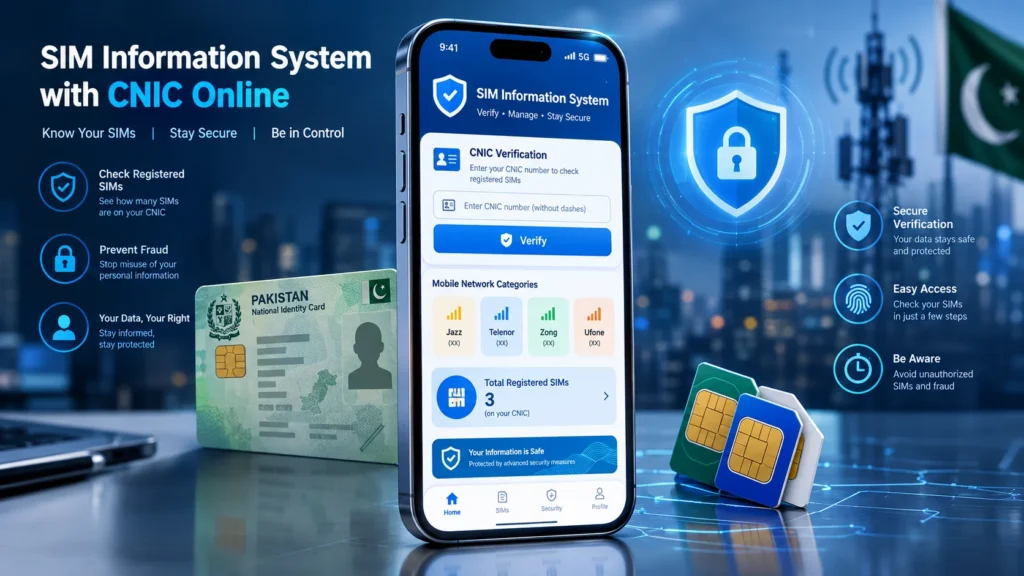
The SIM Information System Pakistan helps users review SIM registration information associated with their own CNIC.
What Is the SIM Information System?
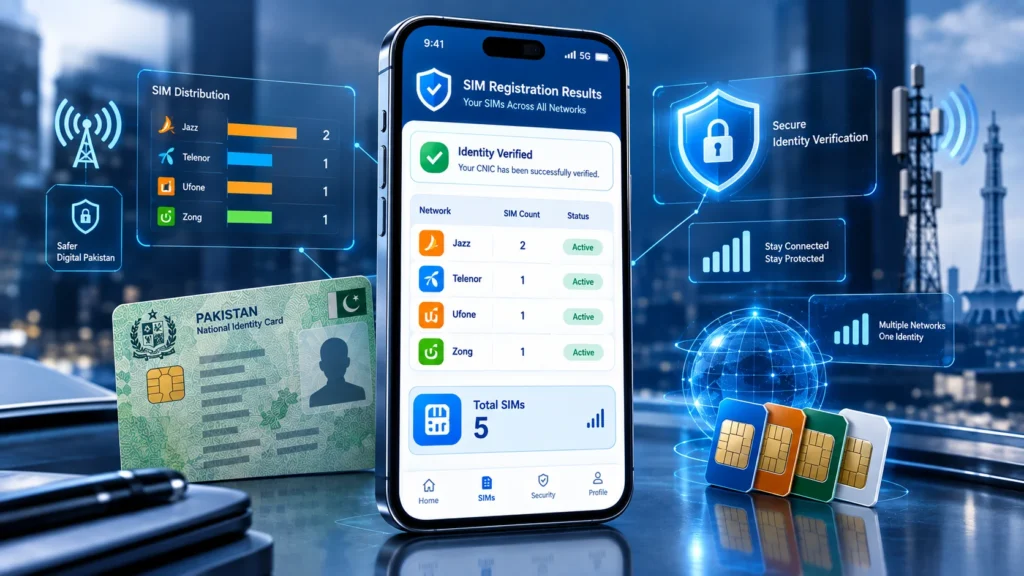
The SIM Information System is an online service that allows users to check the total number of SIMs registered against their CNIC. The system can show SIM counts by network, helping you understand how many connections are associated with your identity. The available results can include network-wise counts and a total SIM count.
The service is useful when you want to:
- Check SIMs registered against your CNIC
- Review your mobile connections
- Verify SIM registration information
- Check whether the displayed SIM count matches your records
- Identify registrations that may need further investigation
The purpose of this type of check is to review your own registration information, not to obtain another person’s private subscriber information.
How to Check SIM Information with CNIC Online
You can follow these general steps to check SIM registration information associated with your CNIC.
Step 1: Open the SIM Information System
Visit the official SIM Information System and use the CNIC verification option.
Step 2: Enter Your CNIC
Enter your CNIC number in the required field. Use the format requested by the service. The official system provides an example of a 13-digit CNIC and also includes a separate Foreign ID option for foreign nationals.
Step 3: Complete the Verification
Complete the available verification step and submit the information.
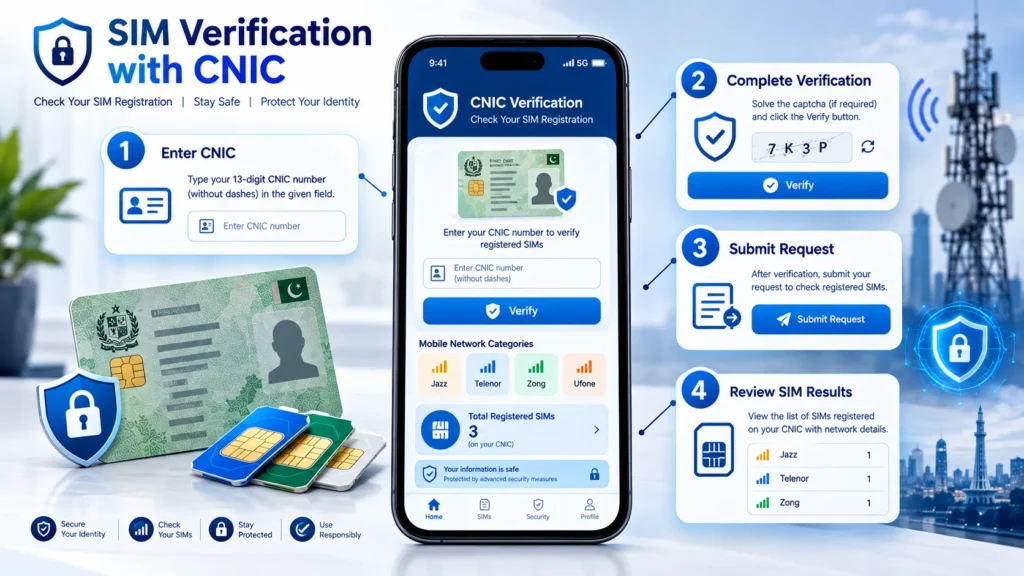
Step 4: Review the Results
After processing, the system can display the number of registered SIMs according to mobile network. The results page can show network categories and a total number of SIMs associated with the entered identification information.
Step 5: Compare the Results With Your Records
Compare the displayed SIM count with the connections you currently use or have previously registered. If something appears unfamiliar, do not assume that the online result itself provides the identity or private details of another subscriber. Instead, contact the relevant mobile operator or use the appropriate official complaint/support channel.
For more information about the verification process, read our complete PTA SIM Verification guide.
What Information Does the SIM Information System Show?
The system is mainly useful for checking SIM registration counts.
Depending on the available result, you may see information such as:
- Mobile network
- Number of SIMs
- Total registered SIMs
- CNIC-related registration results
The official results interface displays network-wise SIM counts and a total count. This means the service should be viewed as a registration-checking tool, rather than a public database for searching another person’s private information.
Why Should You Check SIMs Registered on Your CNIC?
Your CNIC is connected to your identity, so it is useful to periodically review the mobile connections registered under it.
A SIM registration check can help you:
Find Unrecognized Registrations
If the total number of SIMs is higher than expected, you can investigate the issue through the appropriate mobile operator.
Keep Your Registration Information Organized
Regular checks help you understand which mobile connections are associated with your identity.
Improve Security Awareness
Pakistan’s telecom cybersecurity guidance advises users to periodically check the number of SIMs issued in their name and take action regarding illegally issued SIMs.
Detect Possible Registration Issues
If you find a connection you do not recognize, contacting the relevant operator is a safer approach than using unofficial websites that claim to reveal private subscriber information.
What Should You Do If an Unknown SIM Appears?
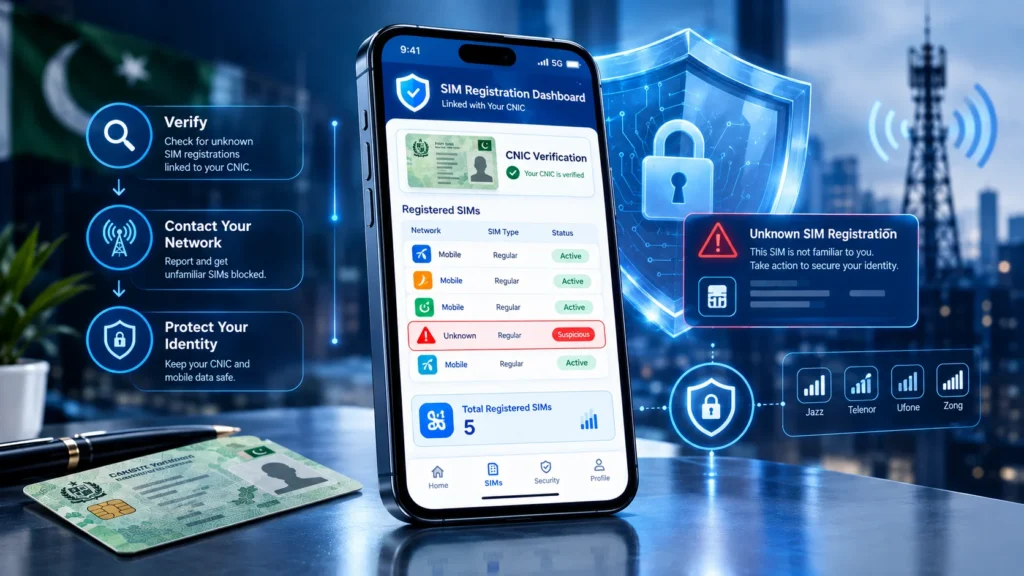
If your SIM Information System results show a number of connections that you do not recognize, stay calm and verify the information through an official channel.
You should:
- Review your current and previous mobile connections.
- Identify which network may have the unfamiliar registration.
- Contact the relevant mobile operator.
- Ask about the procedure for checking or blocking an unauthorized connection.
- Keep your CNIC and personal information secure.
- Use official complaint channels if the issue is not resolved.
PTA’s cybersecurity guidance specifically recommends periodically checking SIMs issued in your name and blocking illegally issued SIMs.
Is SIM Information System the Same as SIM Owner Details?
Not necessarily. The SIM Information System is primarily useful for checking the number of SIMs associated with your identification information. It should not be treated as a public tool for obtaining another person’s private subscriber details. This distinction is important because personal information such as CNIC numbers and phone numbers is considered personal data under Pakistan’s telecom data-security framework. For your own registration information, always prefer official verification and operator channels.
Can You Check SIM Information Using CNIC Online?
Yes. The official SIM Information System provides a CNIC-based option for checking the number of SIMs registered against your identification information. You should enter your own CNIC information and review the resulting SIM counts. Avoid entering personal information into random websites that claim to provide private subscriber databases.
What If the SIM Information System Shows an Error?
Sometimes an online verification service may not return the expected result.
Common possibilities include:
- Incorrect CNIC format
- Temporary service issue
- Verification problem
- Browser or network issue
- Incomplete request
For example, the official system can return an error when the required CNIC format is not entered correctly. If the problem continues, try again later or use the appropriate official support channel. If you are having problems with 667 or 668 verification messages, check our guide on 667 and 668 not working in Pakistan.
SIM Information System and Mobile Networks
The system can provide network-wise SIM counts. The official results interface currently displays network categories including Jazz, Telenor, Ufone and Zong, along with a total. This makes the service useful for users who want to understand how their registered connections are distributed across mobile networks.
For network-specific information, you can also publish separate guides for:
- Jazz SIM Verification
- Telenor SIM Verification
- Zong SIM Verification
- Ufone SIM Verification
- Onic SIM Information
These supporting articles can later be connected through internal links to create a stronger SIM-information topic cluster.
How Often Should You Check Your SIM Registration?
There is no need to check your information every day. A periodic review can help you notice unexpected changes and maintain awareness of the mobile connections associated with your identity. If you have recently purchased, replaced, transferred, or permanently stopped using a SIM, checking your registration information can also help you keep your records organized.
Protect Your CNIC and SIM Information
SIM verification should always be performed carefully.
Keep these points in mind:
- Do not share your CNIC unnecessarily.
- Avoid unofficial websites claiming access to private SIM databases.
- Do not publish your CNIC number publicly.
- Use trusted verification channels.
- Contact your mobile operator if you find an unfamiliar registration.
- Be careful with links that request personal information.
PTA cybersecurity guidance also warns about SIM-related fraud and recommends protecting personal information and contacting the mobile provider when suspicious activity occurs.
SIM Information System vs Unofficial SIM Databases
There is an important difference between checking your own registration information and trying to obtain someone else’s private information.
| SIM Information System | Unofficial Database Claims |
| Checks your own registration information | May claim to expose private information |
| Uses an identification-based verification process | Often asks for unnecessary personal details |
| Provides SIM registration counts | May make unsupported database claims |
| Better suited to personal verification | Can create privacy and security concerns |
| Use official channels | Avoid suspicious services |
For your own SIM registration, use recognized verification and operator channels rather than relying on websites that promise private subscriber details.
Final Thoughts
The SIM Information System with CNIC Online provides a useful way to review SIM registrations associated with your own identification information. It can help you understand the number of registered connections and notice information that may require further investigation. If you discover an unfamiliar SIM registration, contact the relevant mobile operator and follow the appropriate official procedure. Avoid unofficial services that claim to reveal another person’s private SIM or CNIC information. Regular awareness, careful handling of personal information and the use of official verification channels can help you manage your SIM registration information more safely.
FAQs
How can I check SIMs registered on my CNIC?
Use the official SIM Information System and enter your own CNIC to review the registered SIM count.
Can I check SIM information online with CNIC?
Yes. The official SIM Information System provides a CNIC-based option for checking registered SIM counts.
Does the system show all SIM owner details?
No. The service is intended for registration checking and should not be treated as a public database for obtaining another person’s private information.
What should I do if an unknown SIM is registered on my CNIC?
Contact the relevant mobile network and follow its official procedure for investigating or blocking the unfamiliar connection.
Is CNIC required for SIM registration checking?
The SIM Information System provides a CNIC option for checking SIM registrations associated with your identification information.
Can I check SIMs from different networks?
The results can provide network-wise SIM counts, allowing you to review registered connections across available mobile networks.