
Telenor SIM Owner Details Check Online in Pakistan 2026
If you want to check your Telenor SIM owner details in Pakistan, you can check your SIM registration by official verification to know whether your Telenor number is registered on your CNIC or not, and you can also check for any unknown connections of your SIM card. It is essential to keep your SIM registration details up to date as mobile numbers are used for almost every service such as online services, media accounts, and many others. By keeping track of your SIM connections, you can stay updated about any unknown connections and take required action. In this post, you will learn how you can check Telenor SIM registration, which official verification services you can use, what details you may need to provide, and what to do if you find any unknown SIM on your CNIC. If you want to check your registered SIM connections, you can use our SIM Information System to learn about available verification methods and SIM registration information.
Quick Answer
You can check Telenor SIM registration by PTA SIM Information System, Telenor customer care, or an authorized franchise. The PTA system is handy for checking all SIM connections related to a CNIC. A Telenor franchise can assist a customer with ownership and biometric verification, replacement, and problems while registering a SIM card. It is essential to check all information about personal SIM cards only on the Telenor website, as any other information sources may contain incorrect data.
Why Check Telenor SIM Owner Details?
A mobile number is a critical source of many services, therefore its accurate registration is of utmost importance. Checking Sim information can help you ensure that your mobile connections are properly registered.
Key benefits include:
- Confirm that your sim is associated with your CNIC
- Detect unrecognizable sim connections
- Prevent identity theft
- Ensure accurate registration records
- Detect possible registration issues
- Improve the security of your mobile accounts
If you detect a sim that you do not recognize, you should contact the relevant mobile operator instead of ignoring the problem.
How to Check Telenor SIM Registration in Pakistan
You have several official options for checking your Telenor SIM registration. The best method depends on the information you need and whether you are dealing with a registration problem.
Check Through the PTA SIM Information System
The PTA SIM Information System allows users to review SIM connections associated with their CNIC.
Follow these general steps:
- Open the official PTA SIM Information System.
- Enter your CNIC information.
- Complete the required verification step.
- Review the SIM registration information provided.
- Check if the given connections are known to you.
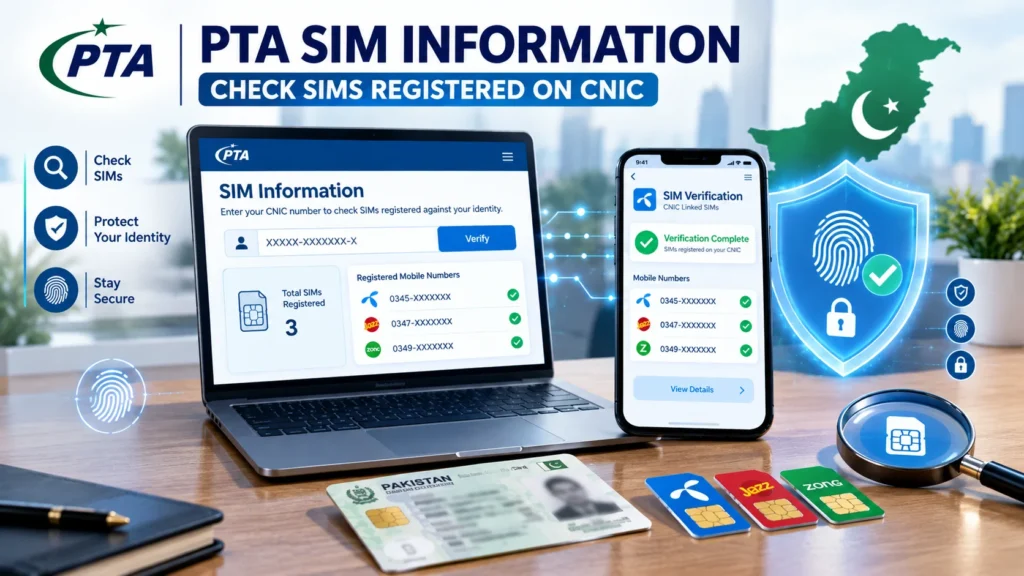
In case of any unknown connection, ask the concerned mobile operator for help. For a complete step-by-step process, read our guide on PTA SIM Verification to learn how to verify SIM registration through official methods.
Security Hint: Do not enter your CNIC information at any unknown website that claims to provide you the information about the owner of a particular SIM.
Visit an authorized Telenor franchise.
An authorized Telenor franchise can help you out in case of any direct issue with the SIM registration or ownership. Bring your original CNIC along with you and explain the issue to the executive. After confirming your identity, they will be able to guide you further.
A franchise visit may be useful for:
- SIM replacement
- Biometric verification
- Registration problems
- Ownership-related issues
- CNIC-linked SIM verification
- Other account-related services
This option is particularly useful when an online verification method does not solve your problem.
Contact Telenor Customer Support
Telenor customer support can provide general guidance about your mobile service and registration-related questions.
You may contact support for help with:
- SIM activation
- Registration issues
- Biometric requirements
- Account assistance
- SIM-related procedures
If your issue requires identity verification or biometric processing, customer support may direct you to an authorized franchise.You can also learn more about 668 SIM verification in Pakistan if you want to check SIM registration information through SMS.
What Information Do You Need for Telenor SIM Verification?
The information required can vary depending on the service you need.
For a franchise visit, you should generally have:
- Original CNIC
- Your Telenor mobile number or SIM
- Access to the registered SIM when required
- Relevant information about the registration issue
Having the necessary information available can make the verification process easier.
Official Telenor SIM Verification Methods
For security reasons, always choose official verification channels when checking your own SIM registration.
PTA SIM Information System
This is useful when you want to review the SIM connections associated with your CNIC.
Telenor Franchise
An authorized franchise can assist with biometric verification, SIM replacement, and registration-related problems.
Telenor Customer Support
Customer support can provide general information and explain which official process you should follow.
Biometric Verification
Biometric verification confirms the identity of the person associated with a SIM registration and may be required for certain SIM-related services.
Telenor SIM Number Prefixes in Pakistan
Telenor numbers commonly use prefixes in the 0340–0349 range.
| Prefix | Network |
| 0340 | Telenor |
| 0341 | Telenor |
| 0342 | Telenor |
| 0343 | Telenor |
| 0344 | Telenor |
| 0345 | Telenor |
| 0346 | Telenor |
| 0347 | Telenor |
| 0348 | Telenor |
| 0349 | Telenor |
Note: Mobile Number Portability (MNP) allows users to move their number to another network. Because of this, a number’s prefix does not always indicate its current network.
Understanding the PTA SIM Verification System
The PTA SIM verification system helps users review mobile connections registered against their CNIC.
It can help you:
- Monitor SIM connections associated with your identity
- Identify unfamiliar mobile connections
- Keep your registration information accurate
- Take action when you notice an unexpected SIM
If you find an unfamiliar SIM associated with your CNIC, contact the relevant mobile operator and ask about the official process for resolving the issue.
PTCL–Telenor Merger and SIM Registration
The PTCL–Telenor Pakistan transaction has created confusion as to whether customers will have to follow different procedures to register their SIM cards. In order to check one’s SIM details, it is advised that they use official PTA services and authorized operator channels. If there is a registration problem, be sure to check what the most updated procedure is. Any customer who has a query about SIM registration problems should seek help from official PTA services and authorized operator channels.
Common Telenor SIM Registration Problems
SIM verification is usually straightforward, but users may sometimes experience delays or registration issues.
SIM Is Not Registered Correctly
If your SIM registration appears incorrect, visit an authorized Telenor franchise with your original CNIC. The representative can review the available information and explain the required procedure.
Unknown SIM Is Linked to Your CNIC
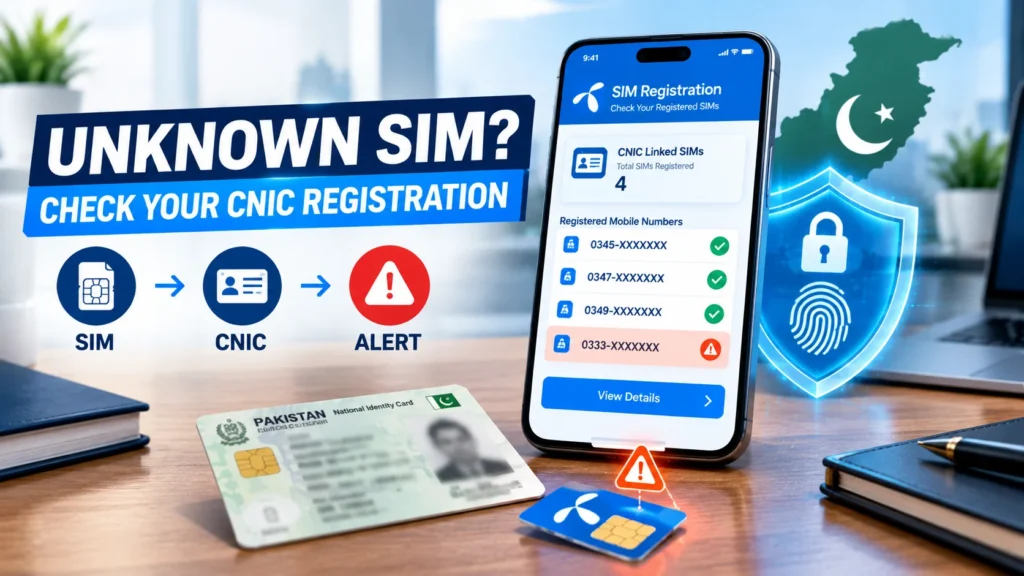
If you discover an unfamiliar SIM connection associated with your CNIC, contact the relevant mobile operator promptly. Do not give your CNIC information to unofficial websites or individuals who claim they can reveal private SIM records.
Biometric Verification Is Required
Some SIM services may require biometric verification. If you receive such a requirement, follow the official instructions and complete the process through an authorized service location.
Verification Is Taking Too Long
A temporary network or system problem can sometimes delay verification. Wait for a short period and try again. If the issue continues, contact official customer support.
Safety Tips for Checking SIM Information
Your personal information should remain protected while checking SIM registration.
Follow these safety practices:
- Use official PTA and Telenor channels.
- Avoid suspicious SIM-checking websites.
- Never share OTPs or security codes with anyone.
- Do not use services claiming to reveal another person’s private SIM information.
- Keep your CNIC information secure.
- Report unfamiliar SIM connections through official channels.
- Use authorized franchises for biometric or identity-related services.
These simple precautions can reduce the risk of identity misuse and online scams.
Benefits of Verifying Your Telenor SIM
Regularly checking your SIM registration can help you maintain better control over your mobile connections.
The main benefits include:
- Confirming your SIM registration
- Finding unfamiliar connections
- Keeping CNIC-linked records accurate
- Detecting registration problems early
- Improving mobile account security
- Reducing the risk of unauthorized SIM usage
Telenor vs Other Mobile Networks in Pakistan
Major mobile operators in Pakistan follow SIM registration requirements, although their customer support and service channels may differ.
| Feature | Telenor | Jazz | Zong | Ufone |
| Biometric Registration | Yes | Yes | Yes | Yes |
| Franchise Support | Yes | Yes | Yes | Yes |
| SIM Replacement | Yes | Yes | Yes | Yes |
| CNIC-Based Registration | Yes | Yes | Yes | Yes |
| PTA Compliance | Yes | Yes | Yes | Yes |
Regardless of the network you use, keeping your CNIC-linked SIM information accurate is an important security practice.
Final Thoughts
Using the Telenor SIM owner information search you can check your registration details and find out which SIM card is linked with your CNIC. To confirm the tracking of SIM cards, it is recommended that you use the PTA SIM information system, Telenor customer care, or an official Telenor franchise. In case of detecting a suspicious or unknown SIM, immediately contact the operator and request the necessary action to remove it. Most importantly, you must protect your CNIC and other personal data from potential attackers. Do not use unsecure online services that may provide fake SIM owner tracking results.
FAQs
How can I check my Telenor SIM registration?
You can check your registration via PTA SIM Information System, Telenor customer support, or an authorized Telenor franchise.
Why should I check my Telenor SIM details?
Checking your SIM information can help you confirm your registration and identify unfamiliar connections associated with your CNIC.
What should I do if an unknown SIM appears on my CNIC?
It is recommended to contact the relevant mobile operator as soon as possible and ask for help in investigating and solving the registration.
Can I check someone else’s Telenor SIM owner details?
You should only check your own registration information through authorized channels. Avoid websites claiming to provide another person’s private SIM records.
Do I need my CNIC for Telenor SIM verification?
Identity verification may require your CNIC, especially when you visit an authorized franchise for registration or biometric-related services.
Can a Telenor number move to another network?
Yes. With the help of the Mobile Number Portability service, a user has an opportunity to transfer a subscriber to another operator while preserving the subscriber’s number.